Use Cloneify from Slack
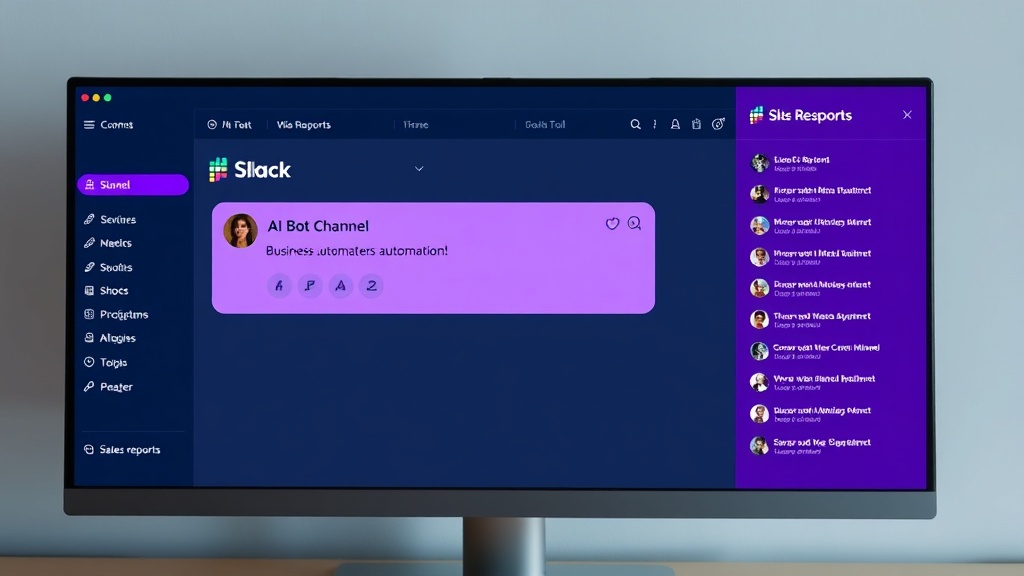
Slack is where decisions happen. Adding Cloneify to your Slack workspace means your team can pull business data, trigger actions, and surface insights without ever leaving the conversation. Mention @Cloneify in any channel and get an instant, contextual response. Need today's sales numbers during a standup? Ask in the channel. Want to look up a customer record while discussing a support ticket? Ask right there in the thread. Cloneify threads its responses so channels stay clean, and every answer is visible to the people who need it. Slash commands give power users a faster path to common queries, while natural language keeps things simple for everyone else. It is business intelligence embedded in the place your team already works.
Key Features
- Channel and DM support — mention @Cloneify anywhere in your workspace
- Threaded responses keep channels organized and noise-free
- Slash commands for power users who want quick, repeatable queries
- Seamless alongside your existing Slack bots, apps, and workflows
Best for
Teams already using Slack as their primary workspace who want business intelligence and AI actions embedded directly in their workflow.
Ready to try Cloneify on Slack?
Connect your tools, invite your team, and start chatting in under 10 minutes. 14-day free trial, no credit card required.
Start Free TrialOther Channels
Use Cloneify from Your Browser
Access your AI business assistant from any browser. Cloneify's web chat gives your team a dedicated workspace for managing operations, checking data, and running tasks — no downloads required.
Use Cloneify from WhatsApp
Chat with your AI business assistant on WhatsApp. Ask about orders, check schedules, and run tasks from the app your team already uses every day.
Use Cloneify from Telegram
Run your AI business assistant from Telegram. Fast, lightweight, and packed with features — get instant answers, files, and reports in the messaging app built for speed.