Use Cloneify from Telegram
Telegram is built for speed, and Cloneify takes full advantage. Messages send and receive in milliseconds, file sharing is seamless, and conversations sync instantly across every device you own. Using Cloneify from Telegram feels effortless: ask a question on your phone during lunch, then pick up the same thread on your laptop when you get back to your desk. Telegram's generous file-size limits mean Cloneify can send you full reports, exported spreadsheets, and generated documents directly in-chat — no email attachments, no download links. For teams that value speed and cross-device flexibility, Telegram delivers the fastest, most fluid way to interact with your AI assistant.
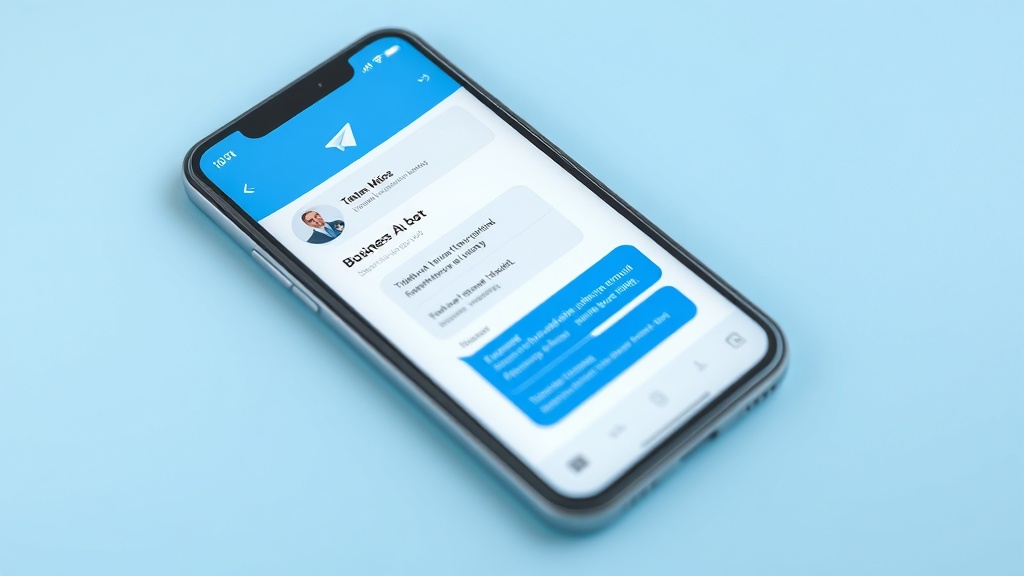
Key Features
- Lightning-fast message delivery with instant sync across phone, tablet, and desktop
- Large file support lets Cloneify send reports, exports, and documents directly in chat
- Bot command shortcuts for frequent queries — type a slash and go
- Cloud-based history means your conversations are available on any device, anytime
Best for
Tech-savvy teams and remote workers who value speed, cross-device sync, and the ability to receive large files and reports in chat.
Ready to try Cloneify on Telegram?
Connect your tools, invite your team, and start chatting in under 10 minutes. 14-day free trial, no credit card required.
Start Free TrialOther Channels
Use Cloneify from Your Browser
Access your AI business assistant from any browser. Cloneify's web chat gives your team a dedicated workspace for managing operations, checking data, and running tasks — no downloads required.
Use Cloneify from WhatsApp
Chat with your AI business assistant on WhatsApp. Ask about orders, check schedules, and run tasks from the app your team already uses every day.
Use Cloneify from Slack
Bring your AI business assistant into Slack. Query business data, trigger actions, and get reports — all inside the workspace where your team already collaborates.