Use Cloneify from Your Browser
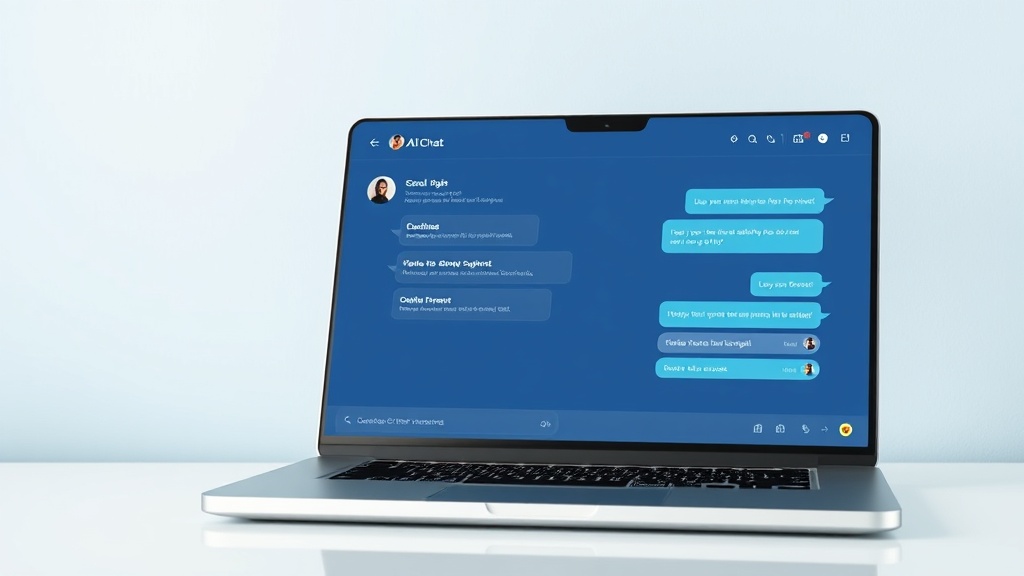
Cloneify's web chat is a full-featured workspace that runs in any modern browser. Open a tab, start a conversation, and get instant answers about your business — orders, schedules, customer records, anything your connected tools hold. The interface is clean and focused: no clutter, no distractions, just a direct line to your AI assistant. Conversations persist across sessions so you can pick up where you left off, and the built-in knowledge base means your assistant already knows your SOPs, product catalog, and team policies. For teams that spend their day in a browser, web chat is the fastest way to get things done without switching tabs.
Key Features
- Works in any modern browser — Chrome, Safari, Firefox, Edge — with zero installation
- Persistent conversation history so you never lose context between sessions
- Rich responses with formatted tables, links, and inline data summaries
- Role-based views ensure each team member sees only what they are authorized to access
Best for
Teams who work primarily from desktops and want a dedicated AI workspace in the browser without installing anything.
Ready to try Cloneify on Web Chat?
Connect your tools, invite your team, and start chatting in under 10 minutes. 14-day free trial, no credit card required.
Start Free TrialOther Channels
Use Cloneify from WhatsApp
Chat with your AI business assistant on WhatsApp. Ask about orders, check schedules, and run tasks from the app your team already uses every day.
Use Cloneify from Telegram
Run your AI business assistant from Telegram. Fast, lightweight, and packed with features — get instant answers, files, and reports in the messaging app built for speed.
Use Cloneify from Slack
Bring your AI business assistant into Slack. Query business data, trigger actions, and get reports — all inside the workspace where your team already collaborates.