Use Cloneify from WhatsApp
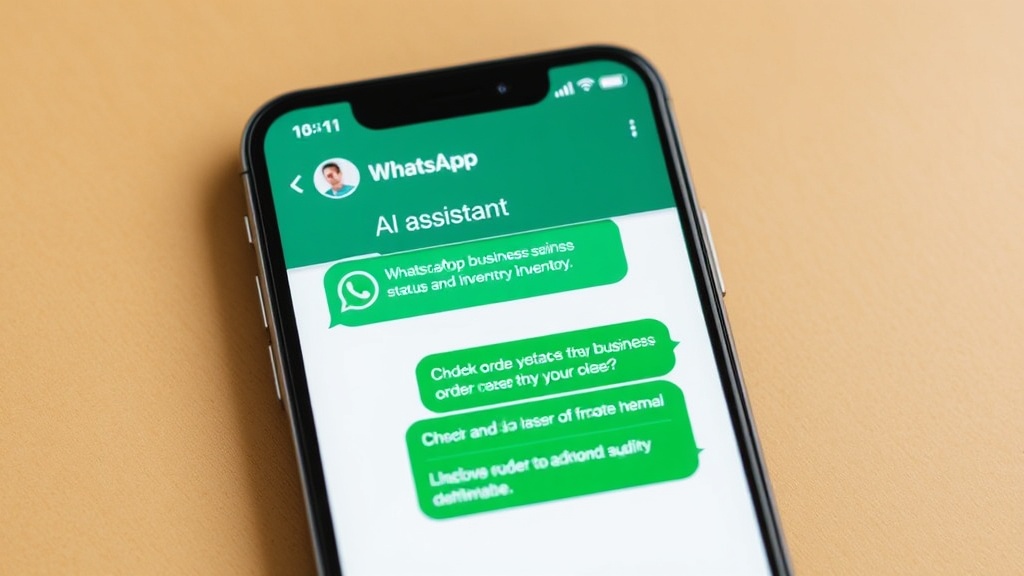
WhatsApp is where your team already talks. Now it is where they work, too. Send Cloneify a message on WhatsApp and get real-time answers about your business — sales numbers, appointment schedules, inventory status, customer lookups — all from the same app you use to coordinate with your team. There is nothing new to learn: just type a question the way you would ask a colleague. Responses arrive instantly, formatted for easy reading on mobile. Whether you are commuting, on a shop floor, or between meetings, WhatsApp keeps your AI assistant one tap away. Group threads let multiple team members interact with Cloneify in shared channels, so everyone stays in the loop without extra forwarding.
Key Features
- Works on the WhatsApp app your team already has installed — phone, tablet, or desktop
- Mobile-first responses designed for quick reading and action on small screens
- Group chat support so entire teams can query the assistant in shared threads
- End-to-end encrypted messaging keeps every business conversation private
Best for
Mobile-first teams, field workers, and business owners who need instant answers on the go without opening a laptop.
Ready to try Cloneify on WhatsApp?
Connect your tools, invite your team, and start chatting in under 10 minutes. 14-day free trial, no credit card required.
Start Free TrialOther Channels
Use Cloneify from Your Browser
Access your AI business assistant from any browser. Cloneify's web chat gives your team a dedicated workspace for managing operations, checking data, and running tasks — no downloads required.
Use Cloneify from Telegram
Run your AI business assistant from Telegram. Fast, lightweight, and packed with features — get instant answers, files, and reports in the messaging app built for speed.
Use Cloneify from Slack
Bring your AI business assistant into Slack. Query business data, trigger actions, and get reports — all inside the workspace where your team already collaborates.